History
The History tab lists every task completion, across all tasks, in one log.
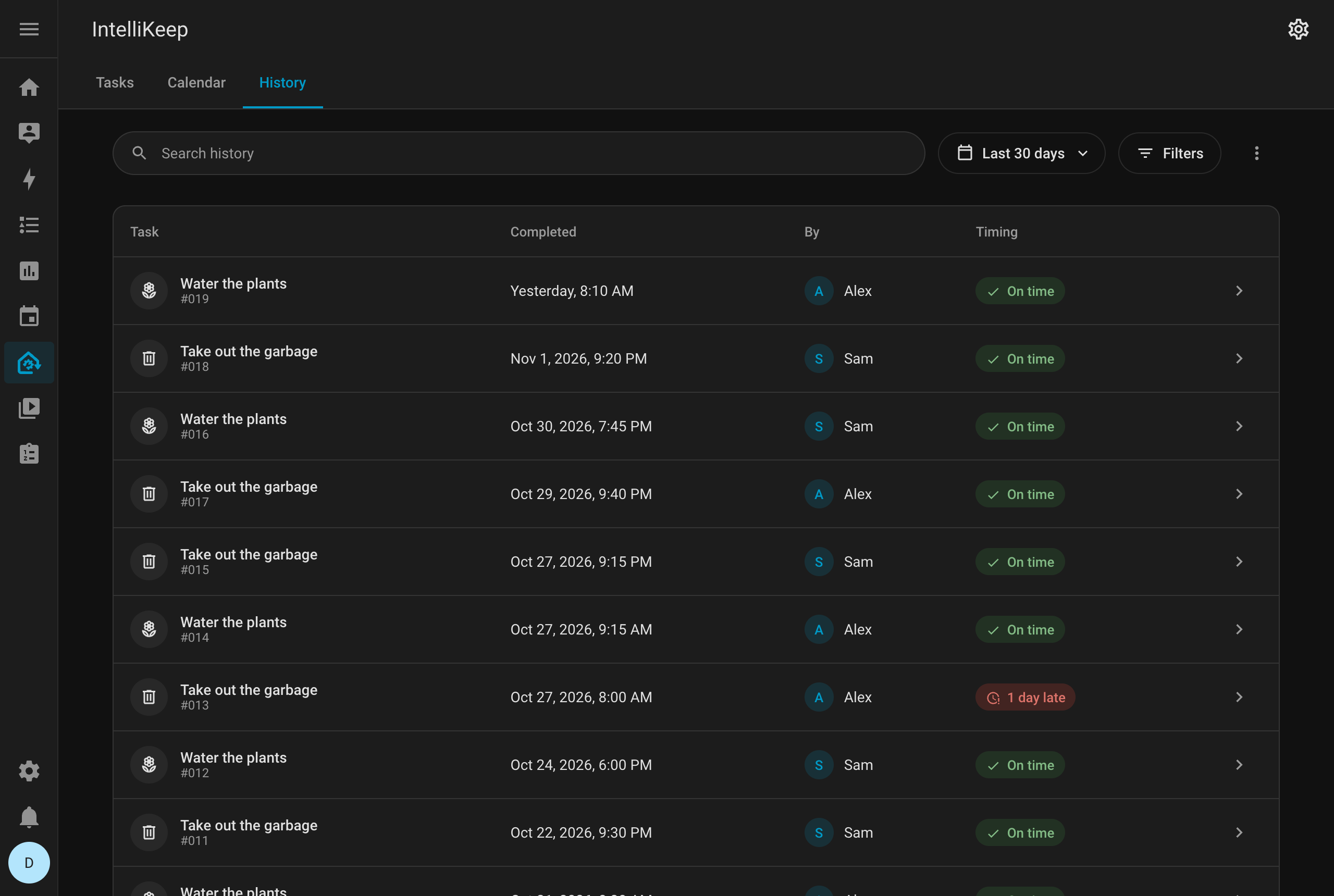
What each record shows
- The task icon, name and number
- When it was completed, as a relative time such as Today, 19:16 (hover it for the full timestamp)
- Who completed it
- An On time or N days late chip
Click a record to open its task.
Period
The history shows the last 30 days by default. You can also choose the last 7 or 90 days, the last 12 months, or all time.
Search and filters
Search the history by task, or filter it by area and device, combined as Area OR device or Area AND device, like in the Tasks tab.
Columns, export and print
The ⋮ menu holds:
- Columns: choose which columns are shown. The Areas and Devices columns start hidden
- Export CSV: download the records currently shown as a
.csvfile, for a spreadsheet or a report - Print: open a print-friendly view of the history
On phones
On phones, the records are a list grouped by day (Today, Yesterday, then the date), each with the time, who completed it and whether it was on time.
Undoing a completion
Reopening a task removes its completion record from the history.